
Etsy Listing Photo Size Guide 2026: The Exact Pixel Dimensions That Unlock Zoom
Summary
Etsy zoom only activates above a specific pixel size. See the exact dimensions so your listing photos look sharp, not flat and soft on shoppers' screens.
Two sellers can list visually identical products, and one listing looks crisp with a satisfying zoom while the other looks flat and slightly soft. The difference is almost never the camera.
It is the pixel dimensions of the uploaded file. Etsy's zoom and Retina sharpness only activate above a specific size threshold, and a huge number of sellers upload well below it without realizing.
The Dimensions That Actually Matter
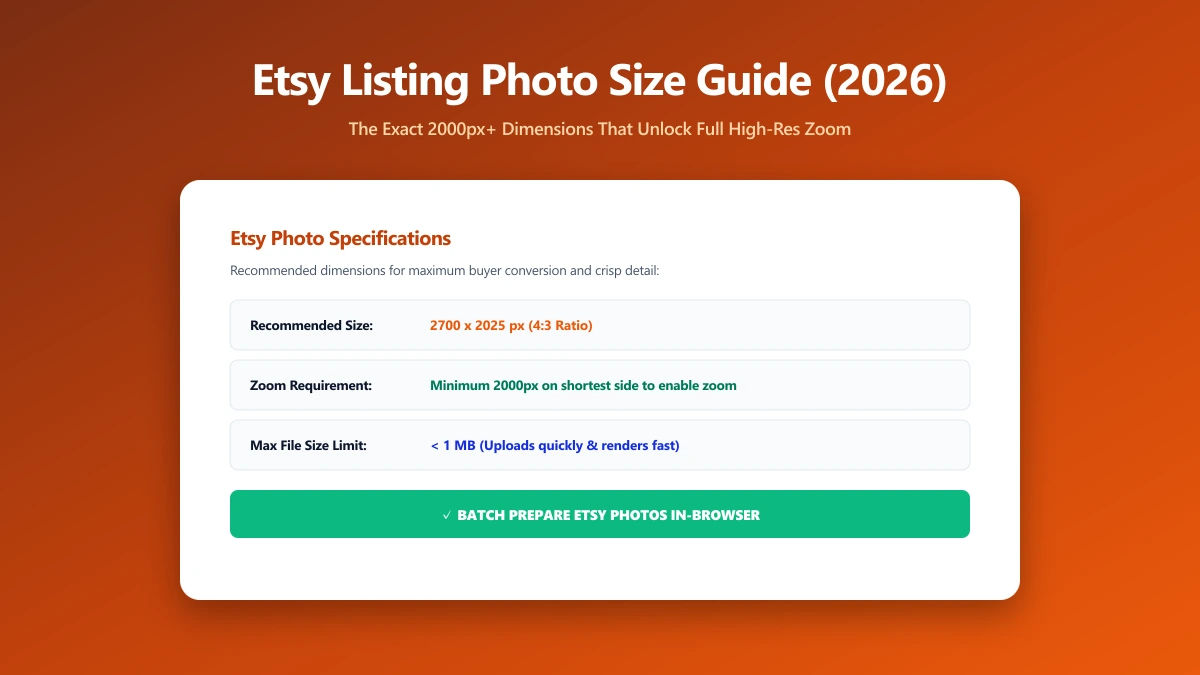
Etsy recommends listing photos at 2000 pixels on the shortest side, with a 4:3 aspect ratio commonly cited as ideal for how listings display in search and category grids.
Some sellers target 2700×2025 specifically to give extra headroom for Etsy's own compression and cropping without dropping below the zoom threshold. The safe floor is 2000×2000 for square-format photos, below that, zoom quality visibly degrades.
| Format | Minimum for zoom | Recommended |
|---|---|---|
| Square | 2000×2000 px | 2700×2700 px |
| 4:3 landscape | 2000×1500 px | 2700×2025 px |
| File type | JPEG, PNG, or GIF | JPEG for photos (smaller, no quality penalty) |
How to Resize a Photo to Hit the Target
- 1.Open the Resize Image tool and drop in your product photo.
- 2.Set the dimensions to at least 2000×2000 (square) or 2700×2025 (4:3), depending on your listing format.
- 3.If your original photo is smaller than the target, do not force an upscale, it will look soft no matter what tool you use. Re-shoot at a higher resolution instead.
- 4.Save the resized image, then use the image compressor if the file size is still large, quality loss from resizing and from compression are two separate things.
Resizing up from a small source image does not add real detail, it just stretches existing pixels and looks soft under zoom. If your camera photo is under 2000px on its shortest side, the fix is a better shot, not a bigger resize.
Why This Actually Affects Sales
Shoppers on Etsy zoom in on product photos more than on almost any other marketplace, texture, stitching, material grain, and fine detail are often the entire reason someone buys handmade or vintage.
A listing that cannot zoom cleanly reads as lower quality by association, even when the product itself is identical to a competitor's.
Verify Nothing Was Uploaded
Product photography is often unreleased inventory, worth keeping private until the listing goes live. Press F12, open the Network tab, resize a photo, and confirm there is no outbound POST request the size of your file.
The Bottom Line
Etsy zoom quality is a pixel-dimension threshold, not a mystery. Hit 2000×2000 or larger and every listing photo gets the sharp, zoomable treatment shoppers expect. Try it now: resize a photo, free, entirely in your browser.
Frequently asked questions
What is the minimum image size for Etsy listing photos?
Why does my Etsy photo look blurry when zoomed?
Should I resize a small photo up to meet Etsy's requirements?
What file format should I use for Etsy listing photos?
Is it safe to resize product photos online before they're public?
Sources & references
This article was researched and written by Nikola, drawing on the following primary sources and documentation:
Ready to try it?
All tools run entirely in your browser, no uploads, no account required.
Resize Image

