
Why Won't This App Open My WebP Image? The 10-Second Fix
Summary
Saved an image from your browser and now Word or an older app refuses to open it? It is almost certainly a WebP file. Here is why, and the 10-second fix.
You right-click an image on a website, save it, and then Word, an older photo editor, or some other application flatly refuses to open the file.
Nine times out of ten, the culprit is the file format: modern browsers frequently save images as WebP by default, and a lot of older or simpler software has never heard of it.
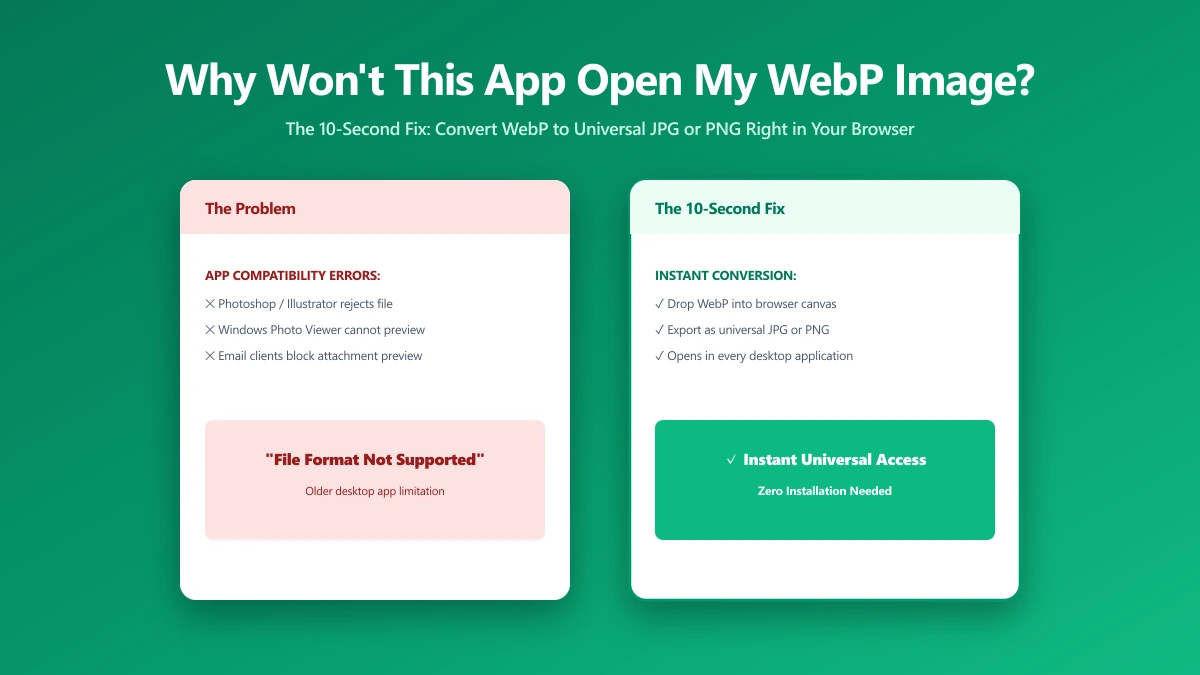
Why This Happens
WebP is a relatively modern image format, well supported by current browsers and most current software, but support in older applications, some versions of Microsoft Office, older photo editors, and some print or design software, is inconsistent or entirely absent.
The image file itself is not broken, the application you are trying to open it with simply does not know how to read that format.
The 10-Second Fix
- 1.Open the WebP to JPG tool.
- 2.Drop in the WebP file that would not open.
- 3.Save the converted JPG. It opens in virtually every application, old or new.
If the image has transparency you need to keep (a logo or graphic with a see-through background), convert to PNG instead of JPG, which also supports transparency and has broader compatibility than WebP with older software.
How to Avoid This Next Time
If you regularly save images from the web for use in older software, converting immediately after saving avoids the problem entirely.
Some browsers also offer a right-click option to copy the image rather than save the file directly, pasting into many applications converts the format automatically, though this is not consistent across every app.
Verify Nothing Was Uploaded
Press F12, open the Network tab, convert a test WebP file, and confirm there is no outbound POST request the size of your file.
The Bottom Line
A WebP file that won't open somewhere else is not corrupted, it just needs converting to a format the other application understands. Try it now: convert a WebP to JPG, free, in seconds.
Frequently asked questions
Why won't my WebP image open in Word or an older app?
How do I convert a WebP file so it opens anywhere?
Why do browsers save images as WebP by default?
Should I convert to JPG or PNG?
Is it safe to convert images online?
Sources & references
This article was researched and written by Nikola, drawing on the following primary sources and documentation:


