
LinkedIn Profile Photo Size in 2026: The Exact Pixels for a Sharp Headshot
Summary
LinkedIn recommends 400x400 pixels for a profile photo, but sharper results need larger uploads. Here is the exact pixel spec for a professional headshot.
A LinkedIn profile photo is often the first thing a recruiter or a potential connection sees, and a pixelated or oddly-cropped one undercuts an otherwise strong profile. Here is the exact size to aim for, and how to hit it without cropping out the wrong part of the photo.
The Recommended Dimensions
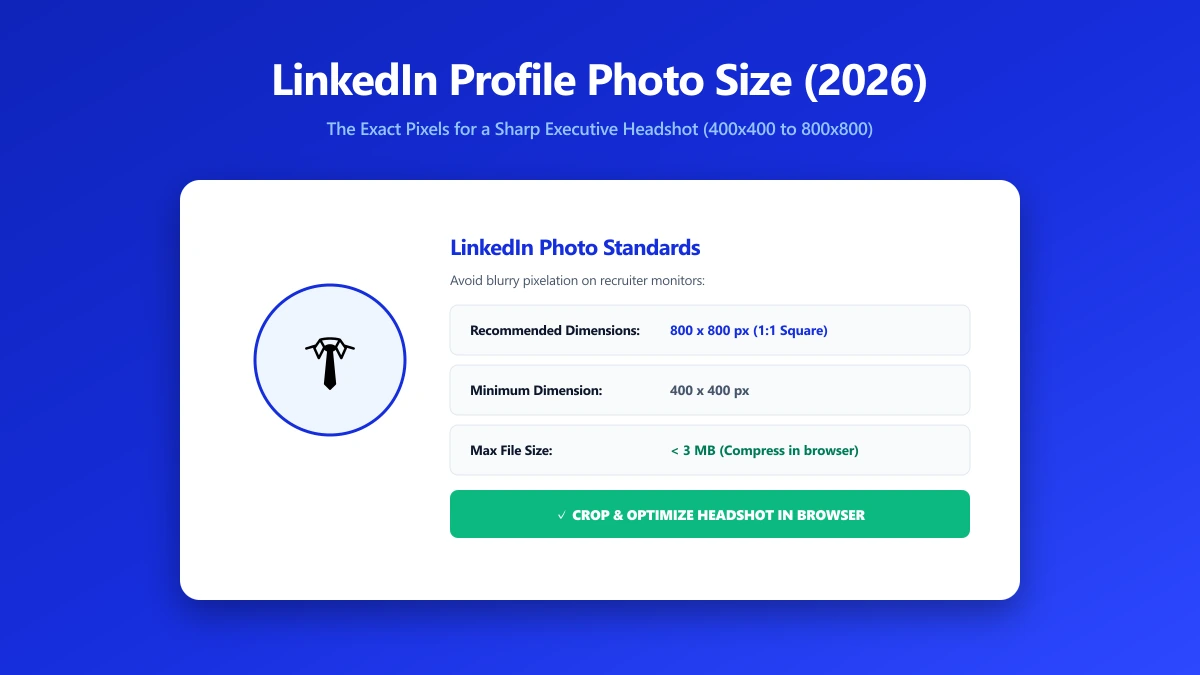
LinkedIn's stated minimum for a profile photo is 400×400 pixels, but the platform supports much larger uploads, up to 7680×4320 pixels and 8MB, and displays your photo sharply across devices with different pixel densities when you upload closer to that upper range rather than the bare minimum.
| Factor | Guidance |
|---|---|
| Minimum accepted | 400×400 px |
| Recommended for sharpness | At least 800×800 px, higher is fine up to the platform cap |
| Maximum supported | 7680×4320 px, up to 8MB |
| Shape | Square crop, displayed as a circle |
| Format | JPEG or PNG |
How to Resize a Headshot Correctly
- 1.Open the Crop Image tool and crop your photo to a square, centered on your face and shoulders.
- 2.Open the Resize Image tool and set the dimensions to at least 800×800 pixels, higher if your source photo supports it.
- 3.Save and upload directly to LinkedIn. Avoid uploading a tiny, pre-cropped thumbnail, LinkedIn's own cropping tool works better with a larger source image.
Upload the largest reasonably-sized version of your photo you have and let LinkedIn's own cropping tool position the circle, rather than pre-cropping to a tiny square yourself. This gives you more room to adjust the framing after upload.
Verify Nothing Was Uploaded
Press F12, open the Network tab, resize a test photo, and confirm there is no outbound POST request the size of your file.
The Bottom Line
A sharp LinkedIn photo is mostly about starting with a large enough source image. Aim for at least 800×800 pixels, crop to a centered square, and let LinkedIn handle the final framing. Try it now: resize a photo, free, entirely in your browser.
Frequently asked questions
What is the minimum size for a LinkedIn profile photo?
What is the maximum LinkedIn profile photo size?
Should I crop my photo to a square before uploading to LinkedIn?
Why does my LinkedIn photo look pixelated?
Is it safe to resize a headshot online before uploading it publicly?
Sources & references
This article was researched and written by Nikola, drawing on the following primary sources and documentation:
Ready to try it?
All tools run entirely in your browser, no uploads, no account required.
Resize Image

