
Printful vs. Redbubble Image Requirements: DPI, Resolution, and File Size Compared
Summary
Printful and Redbubble use different sizing rules for print-on-demand artwork. Upload the wrong file and risk rejected uploads or blurry prints online.
Print-on-demand sellers who sell across multiple platforms hit a specific, avoidable problem: Printful and Redbubble do not use the same sizing logic. A file that works perfectly on one can be rejected or print poorly on the other.
Here is how the two actually differ, and how to prepare artwork that works on both.
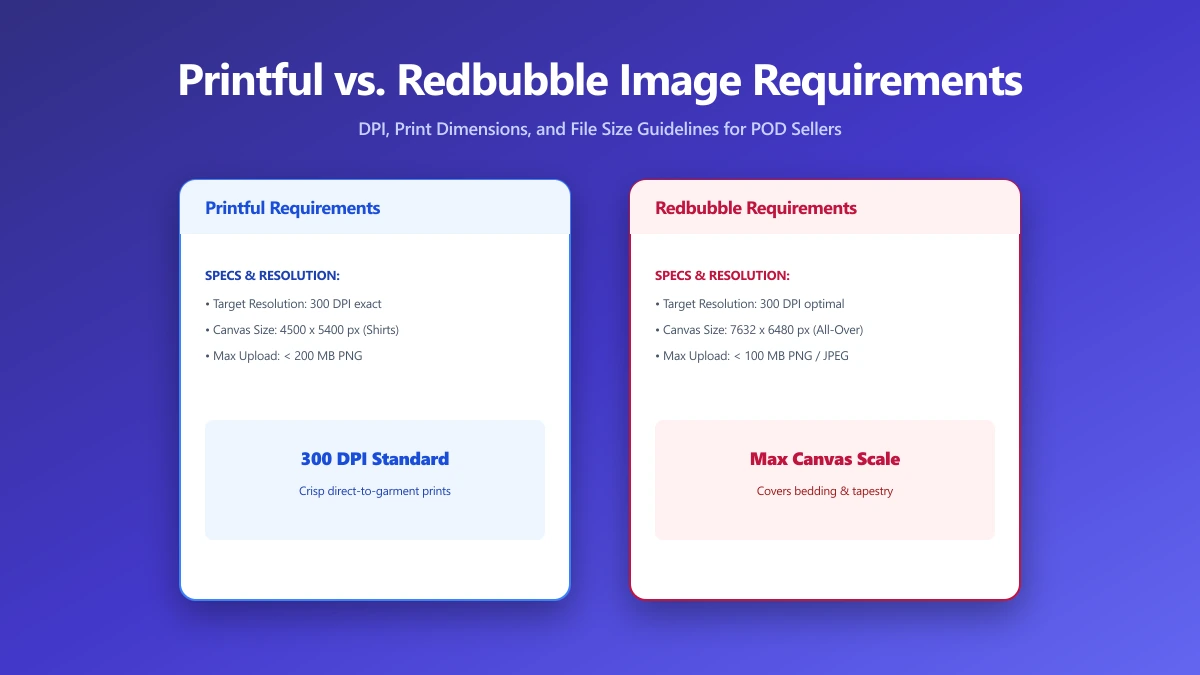
Printful: Per-Product DPI Requirements
Printful generally recommends 150 DPI as a minimum and 300 DPI as ideal, calculated against the actual print area of each specific product.
A design file for a mug has different pixel requirements than the same design printed on a large poster, because the physical print size differs even though the design is conceptually the same.
Redbubble: One Master File Approach
Redbubble instead asks for one large master file per design, generally recommending at least 6750×6750 pixels for maximum print flexibility across its full range of product sizes, letting its system scale the artwork down as needed for smaller products rather than requiring a differently-sized file per product.
| Factor | Printful | Redbubble |
|---|---|---|
| Sizing approach | Per-product DPI target | One large master file for all products |
| Typical minimum | 150 DPI at the product's print size | Smaller designs scale down from one master |
| Recommended master size | Varies per product | 6750×6750 px or larger recommended |
| File format | PNG (transparent background) preferred | PNG (transparent background) preferred |
If you sell on both platforms, create your master artwork at Redbubble's larger recommended size first, then resize down for each specific Printful product's print area. It is much easier to scale a large file down accurately than to scale a small one up.
How to Prepare One Design for Both Platforms
- 1.Create or export your master design at the largest size you have, ideally 6750×6750 pixels or larger, as a transparent PNG.
- 2.For Redbubble, upload this master file directly.
- 3.For Printful, open the Resize Image tool and resize down to match each specific product's print area at 150 to 300 DPI.
- 4.Save each version separately, keeping the original master file for future products or platforms.
Verify Nothing Was Uploaded
Unreleased designs are worth protecting before a product goes live. Press F12, open the Network tab, resize a test file, and confirm there is no outbound POST request the size of your artwork.
The Bottom Line
Printful and Redbubble expect fundamentally different things from an image file. Start from one large master file, then resize down for each platform's specific requirements. Try it now: resize your artwork, free, entirely in your browser.
Frequently asked questions
What is the difference between Printful and Redbubble's image requirements?
What DPI does Printful require?
What file size should my Redbubble master file be?
Can I use the same file for both Printful and Redbubble?
Is it safe to resize print-on-demand artwork online before it's published?
Sources & references
This article was researched and written by Nikola, drawing on the following primary sources and documentation:
Ready to try it?
All tools run entirely in your browser, no uploads, no account required.
Resize Image

