
Wondershare PDFelement Alternative: When You Just Need to Shrink a File, Not Buy Software
Summary
PDFelement is a full paid PDF suite, often overkill for a single compression job. Here is a free, no-install alternative for everyday PDF tasks instead.
Wondershare PDFelement is one of the most recognizable names in PDF software, a full desktop and mobile suite with editing, OCR, forms, and e-signatures.
Its brand recognition is exactly why people often reach for it even when the actual task is something small, compressing one file, converting one image, merging a couple of pages.
ImagePDF.Tools handles those everyday jobs for free, with no install and no account, and here is the honest comparison.
What PDFelement Does Well
PDFelement is a genuinely capable, full-featured desktop application: real text editing, OCR, form creation, batch processing, and e-signature workflows, the kind of depth that matters for teams doing heavy, recurring PDF work. It is a legitimate Adobe Acrobat competitor, not a lightweight web tool pretending to be one.
Where the Friction Is
That depth comes with weight. PDFelement requires an install, available on a limited set of platforms, and its full feature set sits behind a subscription.
For someone who needs to compress a single PDF before emailing it, or merge two files together once, installing a desktop application and hitting a paywall is a lot of friction for a small job.
PDFelement vs ImagePDF.Tools
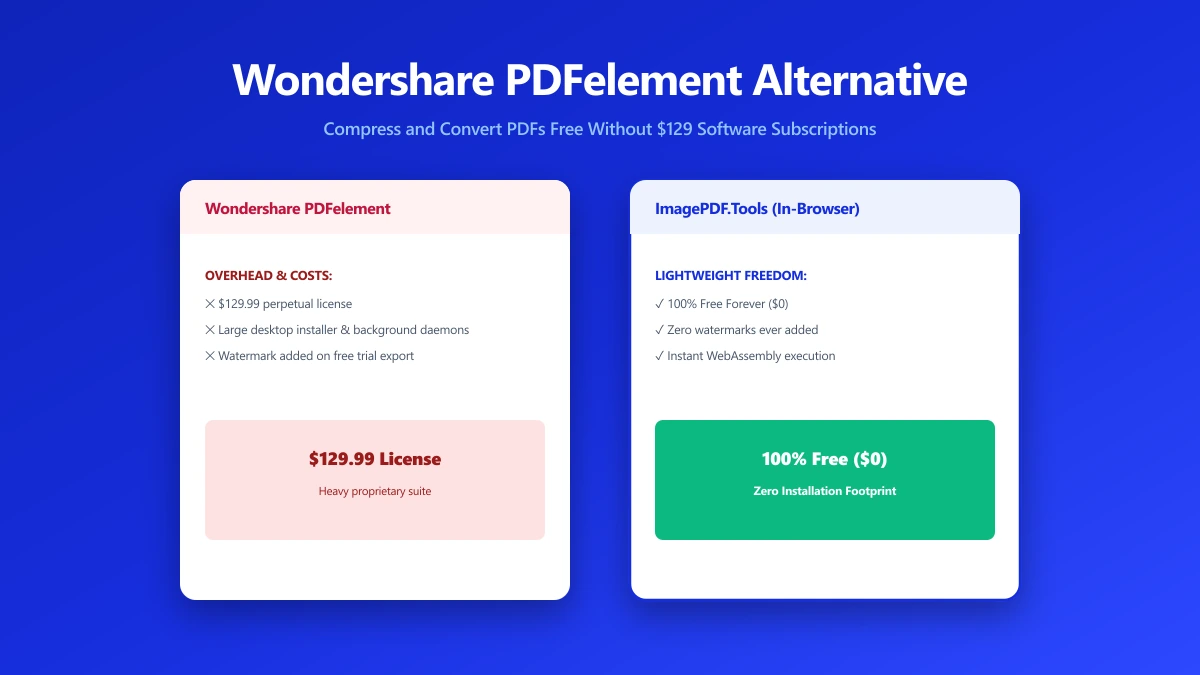
| Factor | Wondershare PDFelement | ImagePDF.Tools |
|---|---|---|
| Installation required | Yes, desktop application | No, runs in your browser |
| Core compress/merge/convert | Included, some gated by plan | Free, unlimited |
| Advanced editing, OCR, forms | Yes, full-featured | Basic editing only |
| Platform availability | Windows, Mac, iOS, Android (separate apps) | Any device with a modern browser |
| Where your file goes | Processed locally once installed | Never leaves your device, no install needed |
| Starting price | Subscription required for full features | Free, permanently |
The honest read: PDFelement's local desktop processing is genuinely private once installed, that is a real point in its favor.
The difference is the install itself, and the subscription gate on the deeper features. For a quick compress, merge, or convert, ImagePDF.Tools gets you there in the time it takes to open a browser tab.
When PDFelement Is Still the Right Call
For teams with recurring, heavy PDF workflows, batch OCR across hundreds of scanned documents, complex form design, managed e-signature processes, PDFelement's depth is worth the install and the subscription. That is a different use case than the occasional compress-and-send job most people actually have.
When to Switch
- ●One-off or occasional tasks, compress, merge, or convert a file without installing anything for a single job.
- ●Avoiding a subscription for features you would use once or twice.
- ●Working across devices, a browser tool works the same on any machine, no separate app per platform.
- ●Wanting to skip the install entirely, no software to install, no setup, no license key.
The Bottom Line
PDFelement is a real, capable PDF suite, worth it for heavy, recurring work. For the everyday jobs most people actually need, compress, merge, convert, ImagePDF.Tools gets there without an install or a subscription.
Try it now: compress a PDF or merge one, free, with no upload.
Frequently asked questions
Is there a free alternative to Wondershare PDFelement?
Do I need to install PDFelement to compress a PDF?
Is PDFelement worth the subscription?
Does PDFelement upload my files to a server?
Is ImagePDF.Tools as capable as PDFelement?
Sources & references
This article was researched and written by Nikola, drawing on the following primary sources and documentation:
Ready to try it?
All tools run entirely in your browser, no uploads, no account required.
Compress PDF

