
How to Combine a Photo and Signature Into One PDF for a Form
Summary
Some portals want your photo, signature and ID as a single PDF under one limit. How to assemble it in the right order and get it under the size cap.
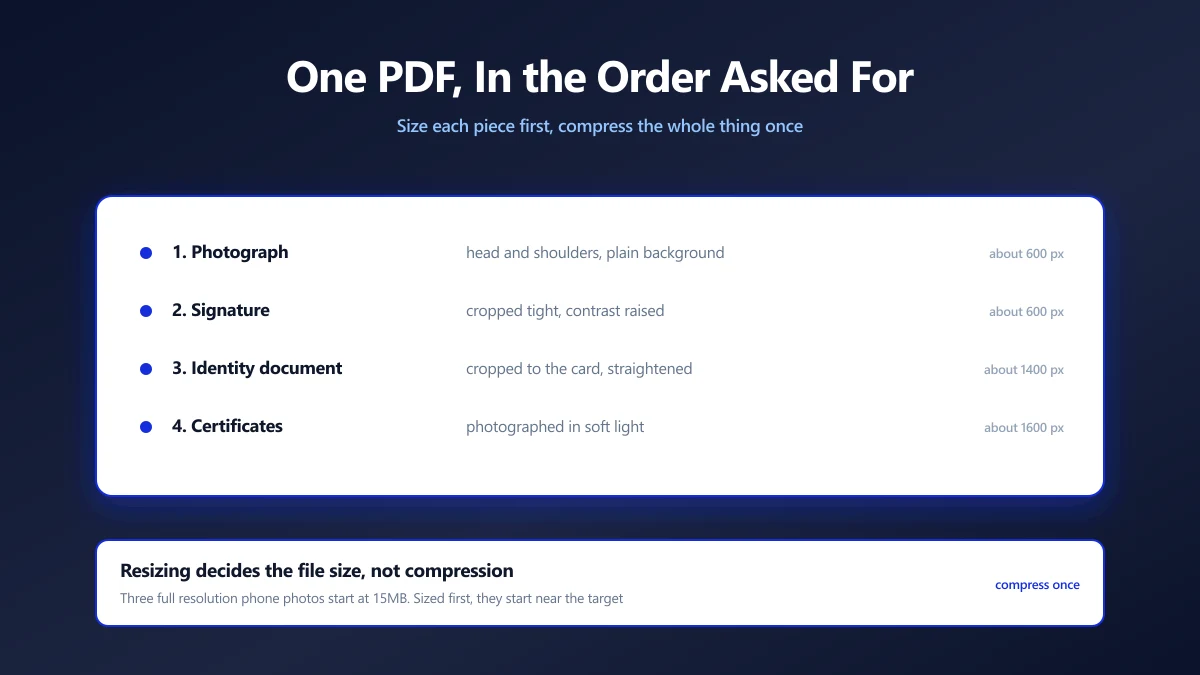
Most application portals want your photograph and signature as separate uploads. A significant minority want them combined into one PDF, along with an identity document, under a single size limit.
That second case catches people out, because the instructions are usually one line long and assume you know how to build a multi page PDF from three phone photos.
Here is how to assemble it, in the order the form expects, and get the result under the limit without making any of it unreadable.
Read the Order Requirement First
When a form asks for a combined document it almost always specifies a page order, and a reviewer works through it expecting that order.
A typical sequence is the photograph first, the signature second, then identity proof, then address proof, then qualifications. If the form names an order, follow it exactly, because a reviewer who cannot find page three where page three should be tends to reject rather than hunt.
Name the file the way the form asks too, if it says. Something like applicationnumber-documents.pdf is a common requirement and a common reason for an otherwise perfect submission to bounce.
Prepare Each Piece Before Combining
It is far easier to fix each image on its own than to fix a PDF afterwards. Each piece has different needs:
| Component | Prepare it by | Sensible size |
|---|---|---|
| Photograph | Crop to head and shoulders, plain background | About 600 px tall |
| Signature | Crop tight to the strokes, raise contrast | About 600 px wide |
| Identity document | Crop to the card edges, straighten | About 1400 px on the long edge |
| Certificates | Crop to the page, photograph in soft light | About 1600 px on the long edge |
The identity document and certificates need the most pixels, because they carry small print a reviewer has to read. The photograph and signature need the fewest.
Assembling It
- 1.Crop and straighten each image with the crop tool, one at a time.
- 2.Resize each to the sizes above using resize. This is where the final file size is really decided.
- 3.Convert them to a single PDF with image to PDF, adding them in the order the form specified.
- 4.Check the page order and fix it with organize pages if anything landed out of sequence.
- 5.Compress to the limit with the PDF compressor, aiming just under rather than far below.
Compress the assembled PDF once, at the end. Compressing each image first and then compressing the PDF again puts every page through two lossy passes, and the second pass costs quality while saving very little.
Why the Sizing Step Does the Real Work
If the combined PDF has to be under, say, 500KB and you have five pages, that is 100KB per page. Three phone photos at full resolution would be 15MB before you started, and compressing 15MB down to 500KB damages everything.
Resizing each image to what it actually needs gets you most of the way there before compression is involved at all. A 600px signature, a 600px photo and two 1400px documents assemble into something already close to the target, and the compressor then only has to trim rather than demolish.
Checking It Like a Reviewer Would
- ●Open the final PDF and read every page at 100%. If you cannot read a document number, neither can the person assessing it.
- ●Check the order against the instructions one more time.
- ●Confirm nothing is upside down or sideways. Phone photos often carry rotation that behaves differently in different viewers.
- ●Check the file size against the limit, and against any minimum.
- ●Open it in a second viewer if you can. What your phone shows and what a reviewer's desktop shows are not always identical.
Everything Here Stays on Your Device
Consider what this file is once assembled: your face, your signature, your identity document and your address, in one place, in the order most convenient for someone impersonating you.
That is the single worst file to hand to a service you cannot identify in exchange for a conversion. Every step above runs in the browser, so the assembled document never leaves your machine, which for this particular file is worth more than convenience.
Size Each Piece, Then Assemble, Then Compress Once
Prepare each image on its own, put them together in the order the form named, then compress the finished document a single time. Doing it in that order means compression trims rather than rescues, and the small print survives.
Read every page of the result before you submit it. Start with image to PDF once your pieces are ready.
Frequently asked questions
How do I combine a photo and signature into one PDF?
Does the page order matter?
What size should each image be?
Should I compress the images or the finished PDF?
My combined PDF is too big. What do I do?
Is it safe to assemble this online?
Sources & references
This article was researched and written by Nikola, drawing on the following primary sources and documentation:
Ready to try it?
All tools run entirely in your browser, no uploads, no account required.
Image to PDF

