
Canva's PDF Compressor Only Works Once for Free, Here's the Unlimited Alternative
Summary
Canva's PDF compressor caps free users at one use and requires an account sign-up. Here is an unlimited, browser-based alternative that needs neither.
Canva has become a default destination for a lot of design and document tasks, and its built-in PDF compressor is a natural first stop for anyone already using the platform.
The catch: the free tier caps you at a single compression, and it requires a Canva account to use at all. ImagePDF.Tools compresses PDFs without either requirement.
What Canva's PDF Compressor Offers
Canva's compressor is a convenient add-on if you are already designing something in Canva and need to shrink the exported PDF, a natural, in-context feature for existing Canva users.
The Free Tier Limit
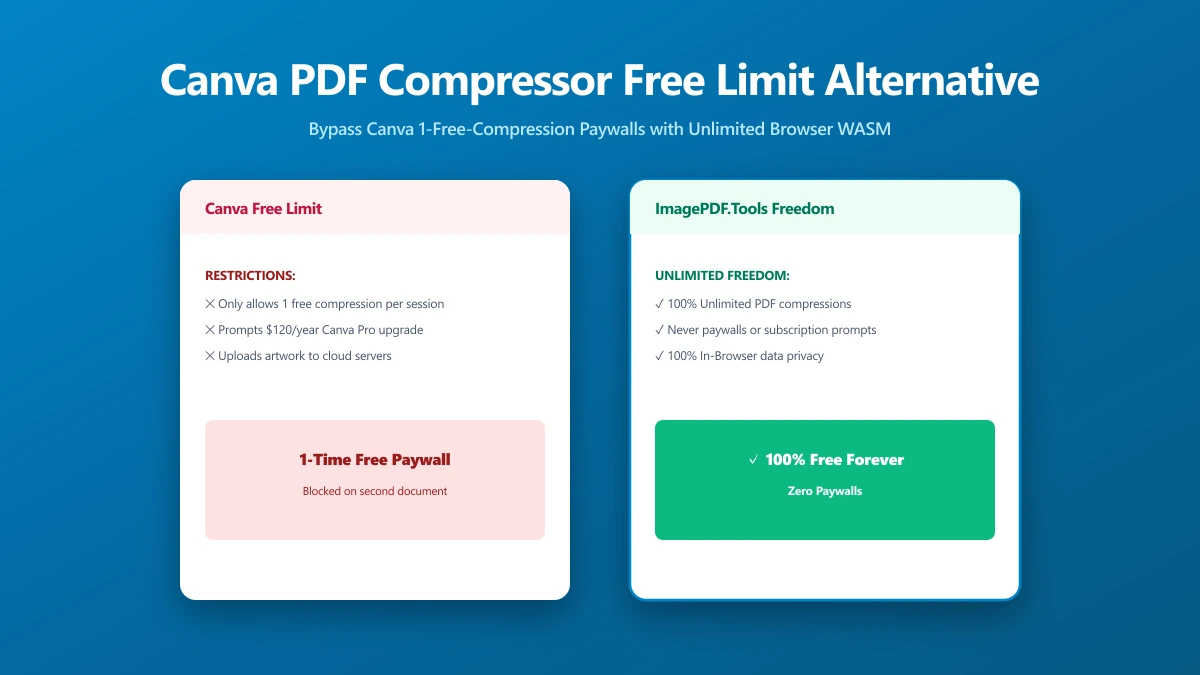
Free Canva accounts are limited to one PDF compression before the tool asks for a paid plan to continue. Combined with the account requirement itself, that is real friction for anyone who is not already a regular Canva user, or who needs to compress more than one file.
Canva vs ImagePDF.Tools
| Factor | Canva PDF Compressor | ImagePDF.Tools |
|---|---|---|
| Free compressions | One, then a paid plan is required | Unlimited, always |
| Account required | Yes, a Canva account | Never |
| Where your file goes | Uploaded to Canva's servers | Never leaves your device |
| Best fit | Existing Canva users, occasional use | Anyone, regular or one-off use |
When to Switch
- ●More than one compression, Canva's free tier stops after the first.
- ●No account, no sign-up, for anyone who is not already using Canva.
- ●Sensitive documents, where uploading to a design platform's servers is the part you would rather skip.
- ●A quick, standalone task that does not need the rest of Canva's design tools.
The Bottom Line
Canva's PDF compressor is a fine convenience for existing users doing a single compression. Beyond that, the free tier limit and account requirement are exactly the friction ImagePDF.Tools removes.
Try it now: compress a PDF, free, with no account and no limit.
Frequently asked questions
How many times can I use Canva's PDF compressor for free?
Do I need a Canva account to compress a PDF?
What is the best unlimited alternative to Canva's PDF compressor?
Does Canva upload my PDF to compress it?
Is ImagePDF.Tools free for unlimited PDF compression?
Sources & references
This article was researched and written by Nikola, drawing on the following primary sources and documentation:
Ready to try it?
All tools run entirely in your browser, no uploads, no account required.
Compress PDF

