
Why Recruiters Reject Poorly Named Resume Files
Summary
A poorly named resume file can get lost, mis-sorted, or skipped entirely. Here is exactly why recruiters reject them, and how to fix yours.
Recruiters often review dozens or hundreds of applications for a single role, usually downloaded into one folder. A resume named "Document1.pdf" doesn't get rejected for its content, it gets lost, mis-sorted, or skipped before anyone reads it.
Here's exactly what a bad filename does to your application, and the specific mistakes worth fixing before you hit send.
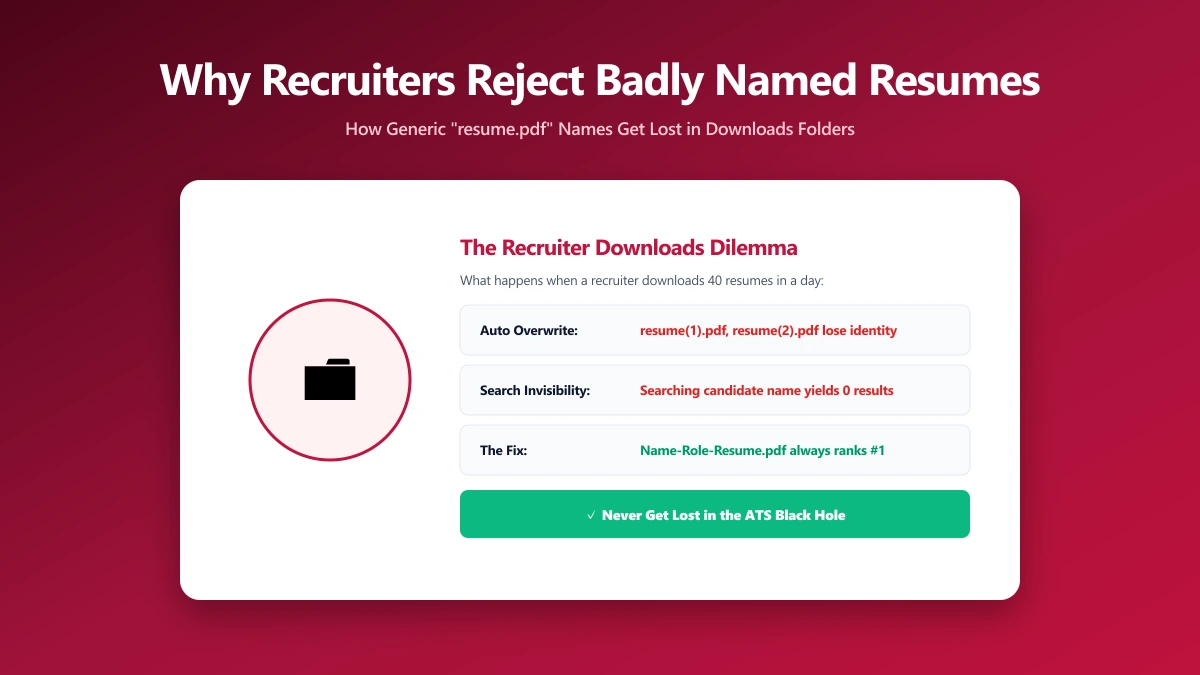
It's the First Impression, Before the Content
A recruiter sees your filename before they open the document itself. "Resume (3).pdf" or "New Microsoft Word Document.docx" reads as careless, even if the resume inside is excellent. First impressions in hiring start earlier than most candidates realize.
The Practical, Technical Reasons
- ●Files get lost in a shared folder. When ten candidates all name their file "resume.pdf", a recruiter has to rename every single one manually just to tell them apart.
- ●Some systems truncate long filenames. An overly long or auto-generated name can get cut off, making it harder to identify later in a download list.
- ●Special characters can break upload forms. Parentheses, ampersands, and accented characters occasionally cause upload errors on older application portals.
- ●Generic names hurt searchability. If a recruiter is trying to re-find your resume later by name, "CV_final.docx" gives them nothing to search for.
A filename like "Untitled_1.pdf" or "scan0001.pdf" is a common giveaway that a resume was exported carelessly, worth double-checking before every application.
A Naming Formula That Fixes This
The fix is straightforward: use your full name plus the word "Resume," for example JaneDoe-Resume.pdf. It's clear, sorts logically, and takes five seconds to set. For the full formula and examples to avoid, see our resume file naming guide.
Don't Let File Size Cause a Rejection Too
A resume with an embedded headshot, scanned signature, or heavy formatting can balloon in file size, some application portals and email systems reject attachments over a set limit before a recruiter ever sees them.
If your resume PDF feels unusually large, compress it before sending, it shrinks the file size without visibly affecting text quality or layout.
The Bottom Line
A poorly named or oversized resume file can quietly cost you an application before anyone reads a word of it. Name it clearly with your full name, keep the file size reasonable, and remove one more avoidable reason to be overlooked.
Check your file now: compress a PDF free, entirely in your browser.
Frequently asked questions
Can a bad filename get my resume rejected?
What resume filenames should I avoid?
Can special characters in a filename cause upload errors?
Can a large file size cause my resume to be rejected?
How do I fix a poorly named resume file?
Sources & references
This article was researched and written by Nikola, drawing on the following primary sources and documentation:
Ready to try it?
All tools run entirely in your browser, no uploads, no account required.
Compress PDF

