
Nitro PDF Alternative: Free Browser-Based Compression Without the Install or Subscription
Summary
Nitro is a heavyweight paid suite, overkill for one PDF job. Here is a free, browser-based alternative for everyday tasks, no install, no subscription.
Nitro PDF is a serious enterprise-grade PDF suite, the kind of software IT departments deploy across an entire company. That reputation is exactly why individuals often think of it first, even for a task as small as shrinking one file before an email.
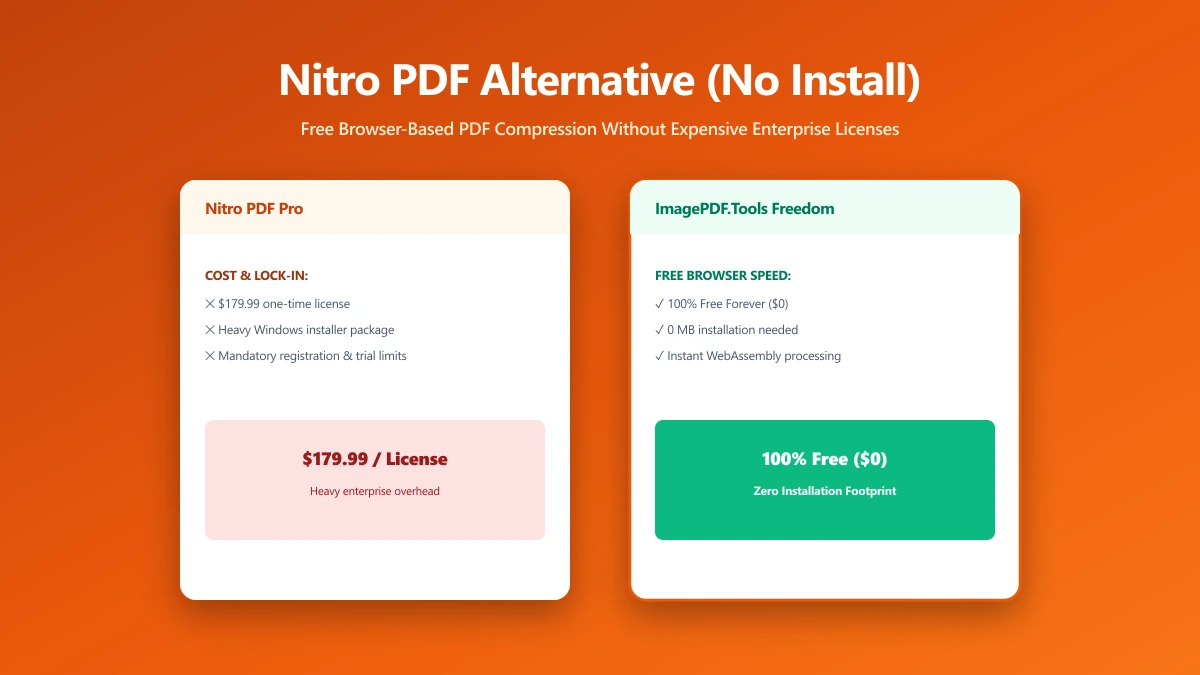
ImagePDF.Tools handles that everyday task for free, with no install, and here is the comparison.
What Nitro Does Well
Nitro's strength is scale: enterprise deployment, e-signature workflows, document analytics, and centralized license management across large teams. It is a legitimate, well-built product for organizations that need that level of control and reporting.
Where It Is Overkill
For one person compressing a single PDF, or merging a couple of files together, Nitro's enterprise licensing model and desktop installation are a lot of overhead. It is priced and built for organizational deployment, not a quick, individual task.
Nitro PDF vs ImagePDF.Tools
| Factor | Nitro PDF | ImagePDF.Tools |
|---|---|---|
| Installation required | Yes, desktop application | No, runs in your browser |
| Licensing model | Per-seat, enterprise-oriented | Free, no license needed |
| Core compress/merge/convert | Included | Free, unlimited |
| Where your file goes | Processed locally once installed | Never leaves your device, no install |
| Best fit | Organizations, IT-managed deployment | Individuals, occasional tasks |
When Nitro Is Still the Right Call
For an organization needing centralized license management, e-signature compliance, and document analytics across many employees, Nitro's enterprise features are worth the deployment. That is a fundamentally different need than a single person's occasional PDF task.
The Bottom Line
Nitro is built for organizations, not a quick individual task. For compressing, merging, or converting a single PDF, ImagePDF.Tools gets you there with no install and no license.
Try it now: compress a PDF, free, with no upload.
Frequently asked questions
Is there a free alternative to Nitro PDF?
Do I need to install Nitro PDF to use it?
Is Nitro PDF worth it for individuals?
What is the difference between Nitro PDF and ImagePDF.Tools?
Is ImagePDF.Tools free to compress a PDF?
Sources & references
This article was researched and written by Nikola, drawing on the following primary sources and documentation:
Ready to try it?
All tools run entirely in your browser, no uploads, no account required.
Compress PDF

