
PDFgear vs ImagePDF.Tools: Two Browser-Based PDF Tools, Different Trade-Offs (2026)
Summary
PDFgear also processes several PDF tasks in your browser, but pushes a desktop app install and sits inside a growing multi-product AI suite.
Most comparisons on this site lead with one question: does the tool upload your file? With PDFgear, the honest answer is more nuanced than with most competitors. Several of its tools, including its PDF editor, describe local, in-browser processing rather than a server round trip, and PDFgear has an entire page titled "Secure Online Tools, No Upload Needed." That puts it in different territory than iLovePDF, Smallpdf, or Adobe Acrobat.
That does not make the two tools identical. ImagePDF.Tools and PDFgear share a similar architectural instinct, but differ in product shape, distribution, and business model. Here is where they actually diverge.
Where PDFgear and ImagePDF.Tools Actually Agree
Credit where it is due: PDFgear's own published pages describe several of its online tools processing files locally in the browser rather than uploading them, a genuinely good architecture, and one most competitors compared on this site do not offer. This comparison is based on PDFgear's own claims rather than assuming the worst about a tool that is, on this specific point, making a similar promise to ours.
Where the Two Diverge
The real differences are less about privacy architecture and more about product shape.
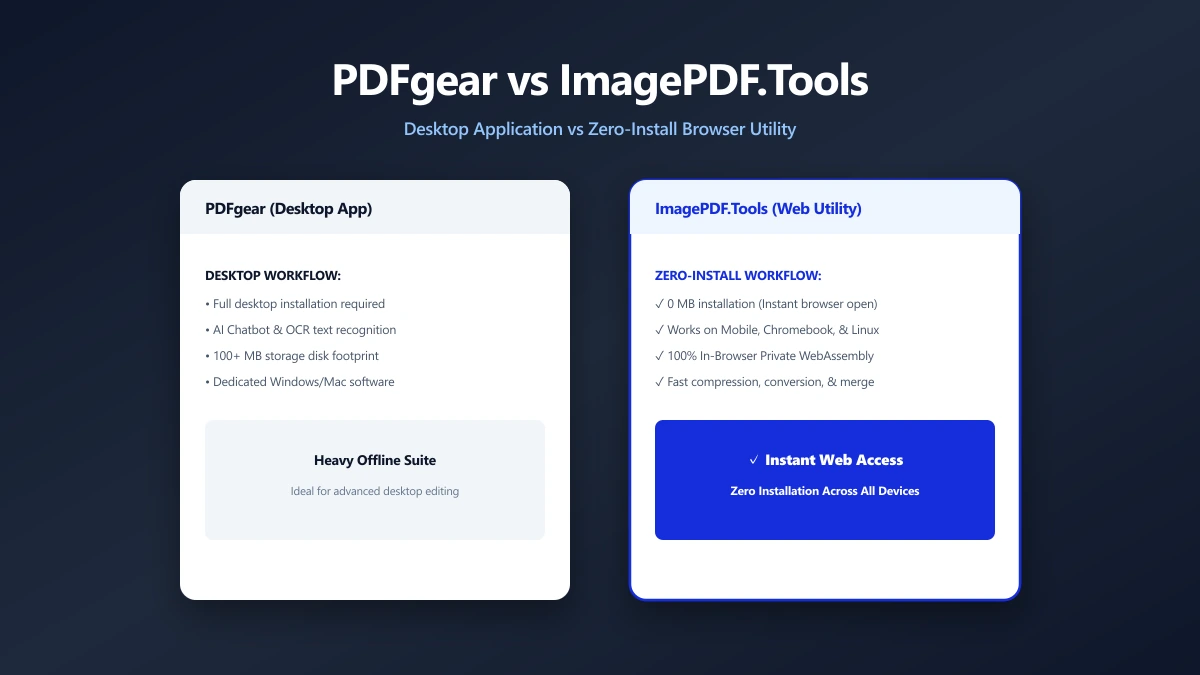
- ●The desktop app funnel. PDFgear's primary calls-to-action point toward downloading a desktop app for Windows, macOS, iOS, or Android, the web tools sit alongside a much larger installable product. ImagePDF.Tools has no app to download, ever, it is only a website.
- ●An expanding product surface. PDFgear's own navigation lists a growing set of adjacent products, an AI chat-with-PDF assistant, a PDF Copilot, a mobile scanner app, a screen recorder, and text-to-speech tools. ImagePDF.Tools stays a single, focused PDF and image toolkit with nothing else to onboard into.
- ●Future pricing. PDFgear is currently free and says most features will stay that way, while also noting that some advanced options may become paid as the company scales. ImagePDF.Tools has no server infrastructure to fund in the first place, since your own device does the processing, which removes the underlying reason a browser-based tool would need to start charging.
PDFgear vs ImagePDF.Tools
| Factor | PDFgear | ImagePDF.Tools |
|---|---|---|
| Core PDF tools processed locally | Yes, for several tools | Yes, for all tools |
| Desktop app | Available, prominently promoted | Not offered, browser-only by design |
| Product surface | PDF suite + AI chat, scanner, recorder, TTS | Focused PDF and image toolkit |
| Account required for online tools | No | Never |
| Future pricing risk | Currently free, some paid features possible later | Free, permanently, no server costs to recoup |
The honest read: if you want a single install-free page that does one job and nothing else, ImagePDF.Tools is the simpler pick. If you want a broader all-in-one PDF and AI suite and do not mind installing an app, PDFgear is a reasonable choice, its team has clearly invested more in client-side processing than most of the competition covered on this site.
When PDFgear Might Be the Better Fit
If you want a permanent desktop app, AI-assisted document chat and summarization, or a synced experience across many devices, PDFgear's broader ecosystem covers ground ImagePDF.Tools intentionally does not try to.
When to Reach for ImagePDF.Tools Instead
- ●Zero installs, ever. Open a page, do the task, close the tab.
- ●A single-purpose tool, without a wider AI product ecosystem to opt in or out of.
- ●No infrastructure to eventually monetize around your files, since there is no server processing them in the first place.
- ●Cross-platform by default, any device with a modern browser, no app store, no install.
Verify Any Tool Yourself
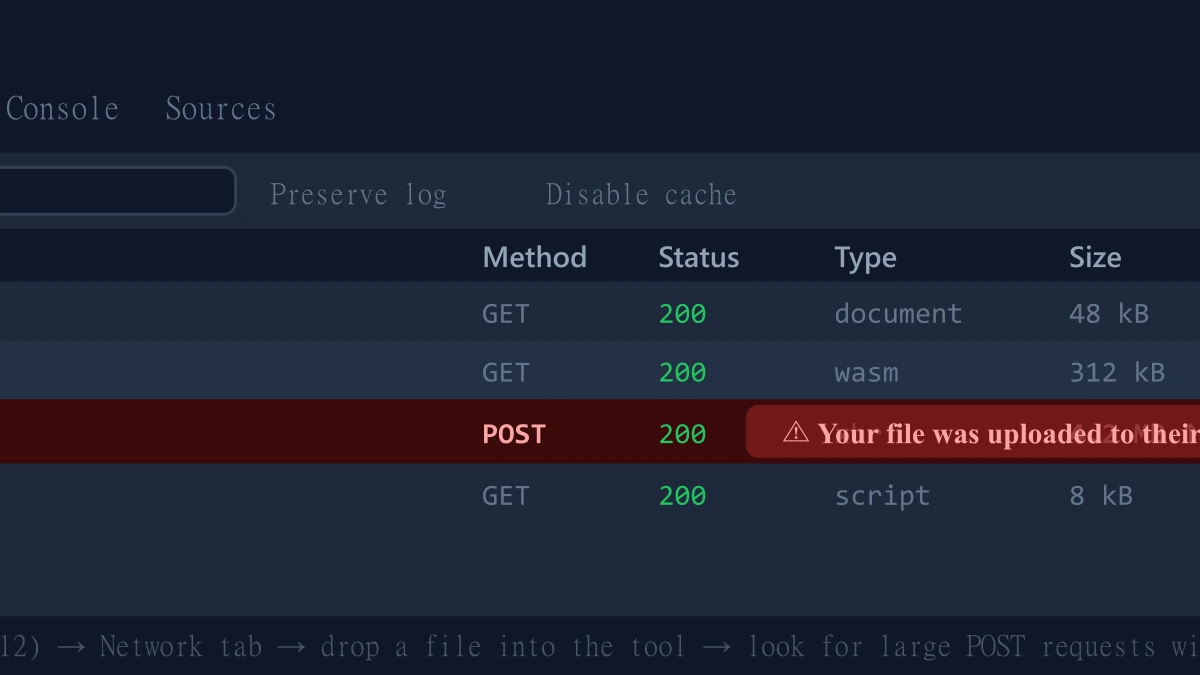
Regardless of which tool you use, checking for yourself is a good habit, and takes 30 seconds:
- 1.Open the tool, press F12, and click the Network tab in DevTools.
- 2.Tick "Preserve log" so nothing clears between steps.
- 3.Run an organize or merge on a test PDF.
- 4.Watch for a large outbound
POSTrequest the size of your file, that would indicate an upload.
The Bottom Line
PDFgear and ImagePDF.Tools both lean on browser-based processing for core PDF work, a rarer and better architecture than most of the market. The real choice between them is product shape: a broader app-first suite with AI extras, or a single, focused, install-free toolkit with nothing else attached.
Try it now: organize a PDF or merge one, no download required.
Frequently asked questions
Does PDFgear upload my files to a server?
What is the actual difference between PDFgear and ImagePDF.Tools if both are browser-based?
Is PDFgear free forever?
Do I need to install PDFgear to use it?
Which is better, PDFgear or ImagePDF.Tools?
Sources & references
This article was researched and written by Nikola, drawing on the following primary sources and documentation:
Ready to try it?
All tools run entirely in your browser, no uploads, no account required.
Organize PDFMore in Productivity
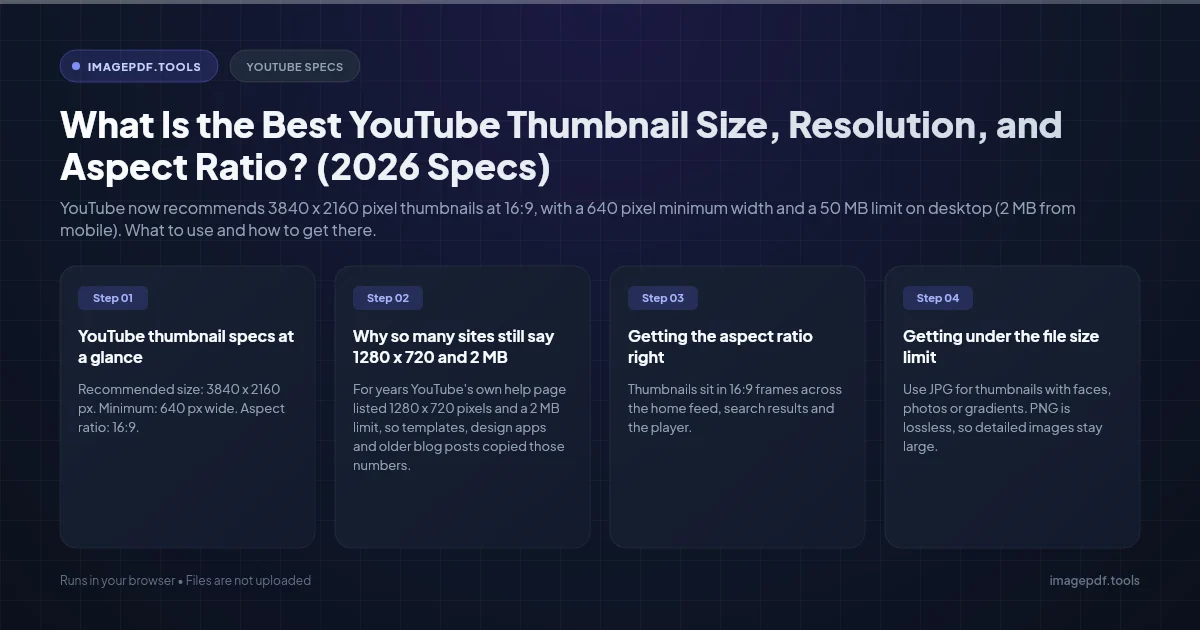
What Is the Best YouTube Thumbnail Size, Resolution, and Aspect Ratio? (2026 Specs)
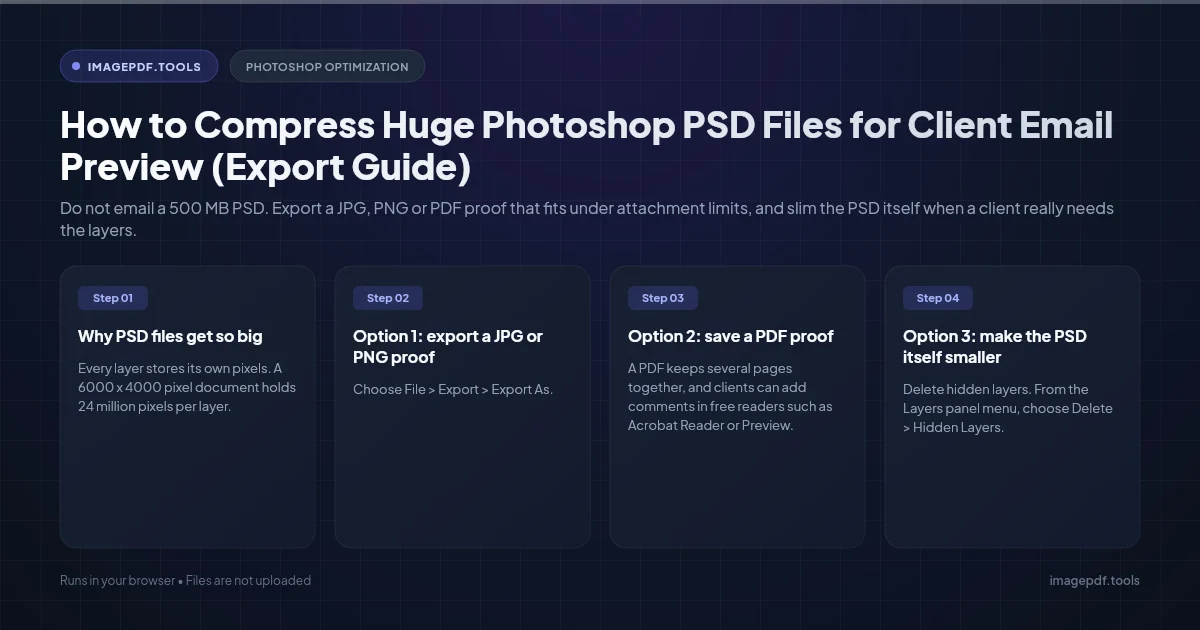
How to Compress Huge Photoshop PSD Files for Client Email Preview (Export Guide)
How to Convert Scanned PNG Receipts to Searchable PDF With OCR (Tax & Expense Guide)