
Private PDF Tools: A Practical Toolkit for Every Common Task
Summary
Private PDF tools that never upload your file: merge, split, compress, edit and protect, each running entirely inside your own browser.
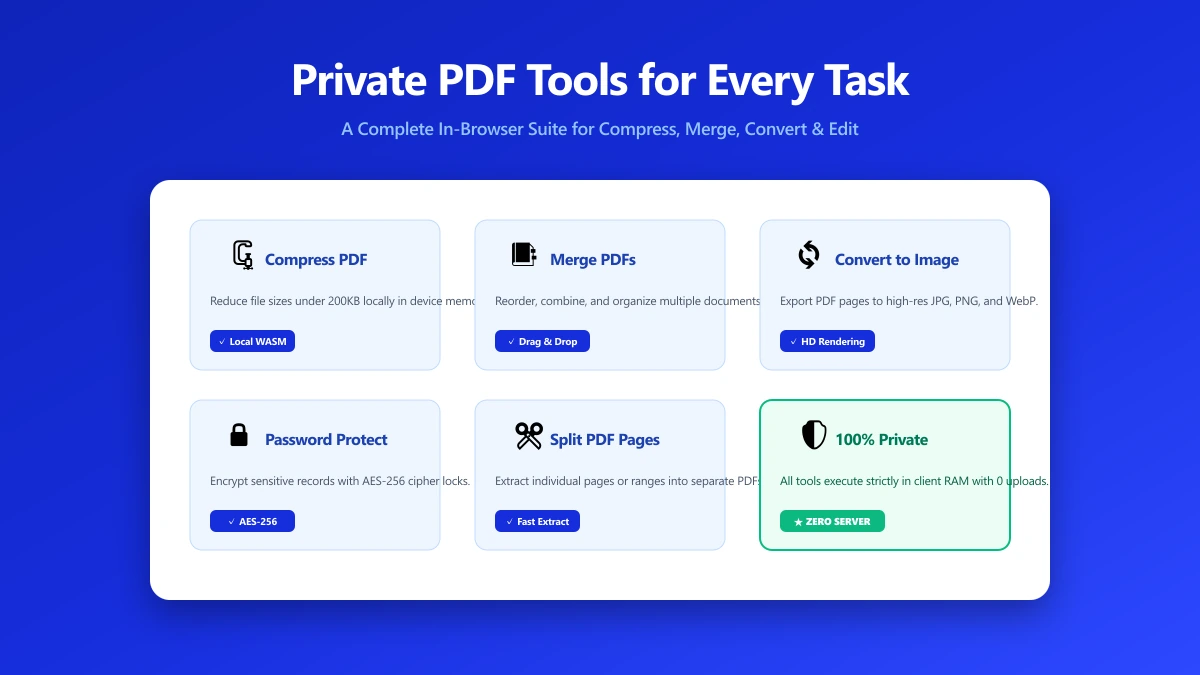
"Private PDF tools" usually means one specific thing: tools that do the job without uploading your file anywhere. Rather than explain the architecture again, here is a practical, task-by-task list of what you can actually do without a single upload, and where to do it.
The Toolkit
- ●Merge PDF, combine multiple files into one, in the order you choose.
- ●Split PDF, pull specific pages out, or divide a document into parts.
- ●Compress PDF, shrink file size for email attachments or upload limits elsewhere.
- ●Edit PDF, add text, images, and annotations directly on the page.
- ●Protect PDF, add or remove a password.
- ●Watermark PDF, stamp text across every page.
- ●Organize PDF, reorder, rotate, or delete individual pages.
- ●Number PDF, add page numbers with custom position and formatting.
- ●PDF to Word and Word to PDF, convert between formats.
- ●OCR PDF, extract selectable text from a scanned document.
Every tool in that list runs the same way: your PDF is read directly by your browser using WebAssembly, processed, and saved back out, without ever becoming a network request.
How to Pick the Right Tool for the Job
Start from what you are trying to accomplish, not the underlying technology. Need a smaller file for email? Compress. Need to combine a few scans into one document? Merge. Need to remove a page with a mistake on it? Organize. The privacy property, no upload, is the same across all of them, so the only real decision is which task fits what you need done.
Verify Any of Them Yourself
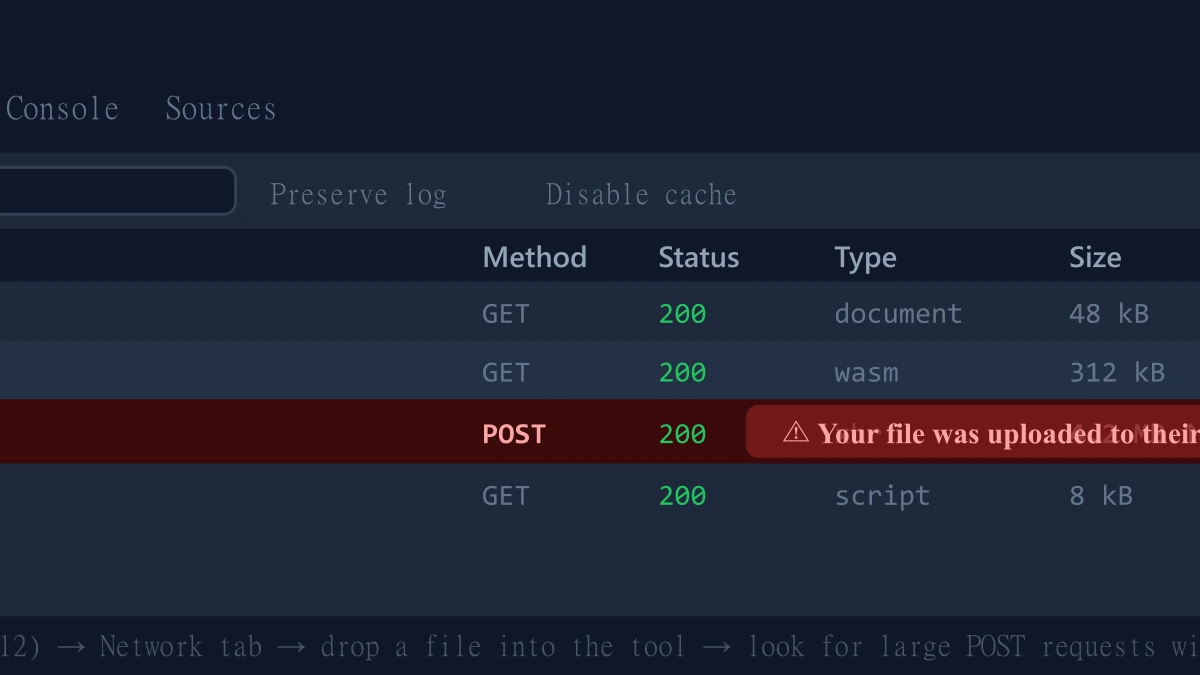
- 1.Open any tool, press F12, and click the Network tab in DevTools.
- 2.Tick "Preserve log" so nothing clears between steps.
- 3.Run the operation on a test PDF.
- 4.Look for a large outbound
POSTrequest the size of your file. There is not one.
The Bottom Line
Private PDF tools are not a special category, they are just PDF tools built to run on your device instead of someone else's server. The full ImagePDF.Tools toolkit works this way by default, for free, with no account and no daily limit.
Try one now: merge a PDF or compress one, then check DevTools yourself.
Frequently asked questions
What counts as a private PDF tool?
Are private PDF tools as capable as upload-based ones?
Do private PDF tools cost money?
How do I verify a PDF tool is actually private?
Can I use private PDF tools for sensitive documents?
Sources & references
This article was researched and written by Nikola, drawing on the following primary sources and documentation:
More in Productivity
What Is the Best YouTube Thumbnail Size, Resolution, and Aspect Ratio? (2026 Specs)
How to Compress Huge Photoshop PSD Files for Client Email Preview (Export Guide)
How to Convert Scanned PNG Receipts to Searchable PDF With OCR (Tax & Expense Guide)