
Compress an Image to Under 100 KB
or drop files here
100 KB is the usual ceiling for identity document uploads on banking, tenancy and verification portals. It is enough for a readable document scan, if the pixels are spent on the document rather than on the desk around it.
Can every image reach 100 KB?
An identity card or a single page document reaches 100 KB while staying readable, provided it is cropped to the document and sized to roughly 1400 px on the long edge. That is the point where text keeps about 20 pixels per line, which is the floor for staying legible after compression.
KYC and bank onboarding
Identity verification uploads are commonly capped at 100 KB per document.
Tenancy and employment checks
Right to work and right to rent document uploads, where a human reviews the result.
Visa supporting documents
Per file limits on immigration portals, separate from the overall application size.
Pixels first, then quality.
File size follows from pixel count. Squeezing a 4000 pixel wide photo down to a small target asks the encoder to describe twelve million pixels in a few kilobytes, and it will, badly. Reduce the dimensions first and the same target becomes easy.
Crop away what is not the subject
Paper around a signature, desk around a document, background around a face. Empty space costs pixels like anything else.
Resize to what is needed
About 1400 px on the long edge for a document, cropped to its edges.
Then compress to the limit
Quality comes down until the file is under 100 KB, and stops there. Aim just under the limit rather than far below it: unused bytes are quality discarded for nothing.
Need a different size?
Pick the limit you actually have to meet, or set any figure you like on the main compressor.
Questions answered.
My scan is under 100 KB but was rejected as unreadable. Why?
Should I aim well under the limit to be safe?
Is a phone photo or a scanner better?
How does it hit an exact size?
Should I resize before compressing?
Is my image uploaded anywhere?
What if the target cannot be reached?
More tools you might need.
Related Guides & Tutorials
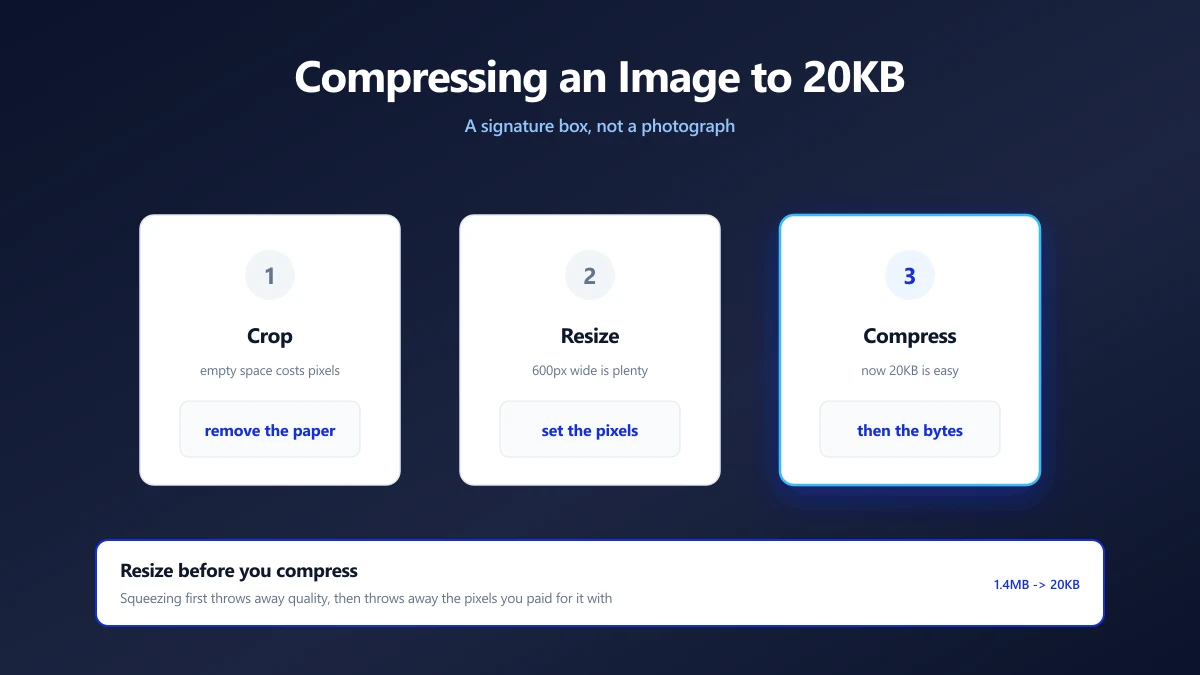
How to Compress an Image to 20KB (Signatures and Thumbnails)
20KB is a signature box, not a photograph. What actually fits, the dimensions that get you there, and why scanning at 600 DPI is working against you.
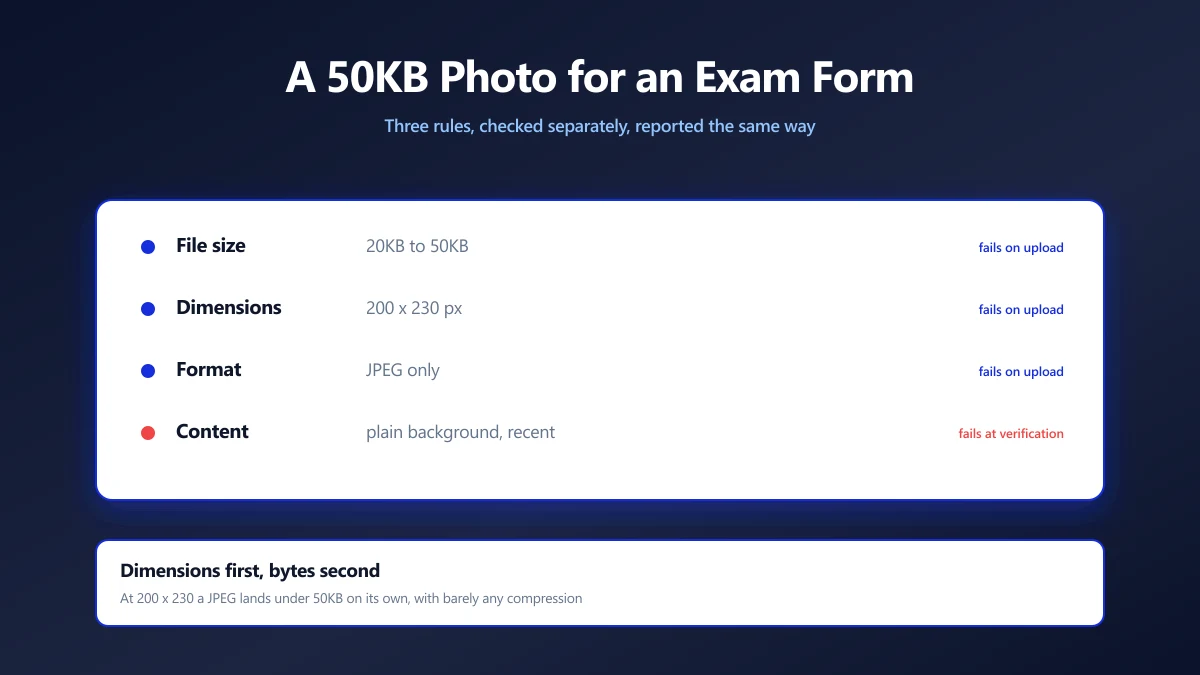
How to Compress a Photo to 50KB for an Exam Form
Exam portals want a photo under 50KB at a fixed pixel size, and reject it for reasons they never explain. Here is how to satisfy both rules at once.
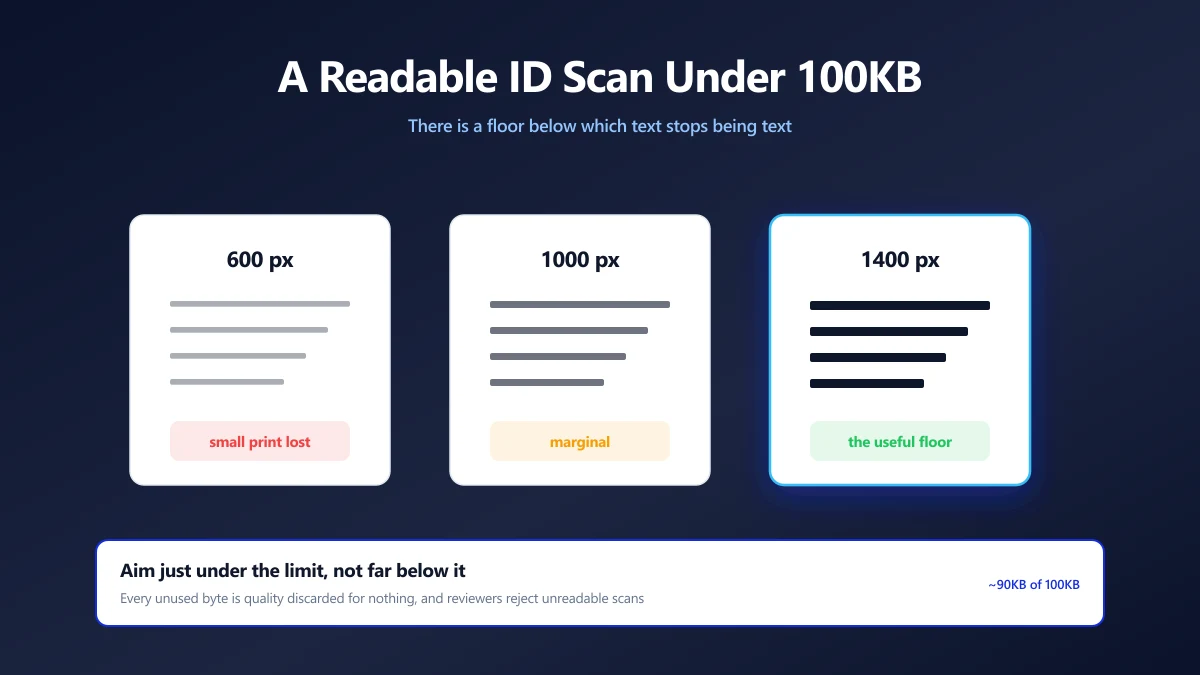
How to Compress an ID Document Scan to 100KB and Keep It Readable
KYC portals want your ID under 100KB, then reject it as unreadable. The resolution floor that keeps text legible, and how to compress down to it.