
Compress an Image to Under 500 KB
or drop files here
500 KB comfortably holds a large, sharp photograph. This is the limit where you are trimming a file for practicality rather than fighting to meet a number.
Can every image reach 500 KB?
Almost any single photograph reaches 500 KB without visible loss, including at full desktop resolution. The images that struggle are ones with fine random detail everywhere, such as foliage, textured fabric or heavy film grain, which is the hardest content for any compressor.
Marketplace and listing photos
Product images that need to stay sharp while loading quickly on a phone.
Portfolio and gallery images
Where quality matters but a full resolution original is unnecessary.
Shared albums
Reducing a batch of holiday photographs before sending them on.
Pixels first, then quality.
File size follows from pixel count. Squeezing a 4000 pixel wide photo down to a small target asks the encoder to describe twelve million pixels in a few kilobytes, and it will, badly. Reduce the dimensions first and the same target becomes easy.
Crop away what is not the subject
Paper around a signature, desk around a document, background around a face. Empty space costs pixels like anything else.
Resize to what is needed
Up to about 2400 px on the long edge for most photographs.
Then compress to the limit
Quality comes down until the file is under 500 KB, and stops there. Aim just under the limit rather than far below it: unused bytes are quality discarded for nothing.
Need a different size?
Pick the limit you actually have to meet, or set any figure you like on the main compressor.
Questions answered.
Will a photo lose quality at 500 KB?
Should I convert to WebP instead?
Can I compress several images at once?
How does it hit an exact size?
Should I resize before compressing?
Is my image uploaded anywhere?
What if the target cannot be reached?
More tools you might need.
Related Guides & Tutorials
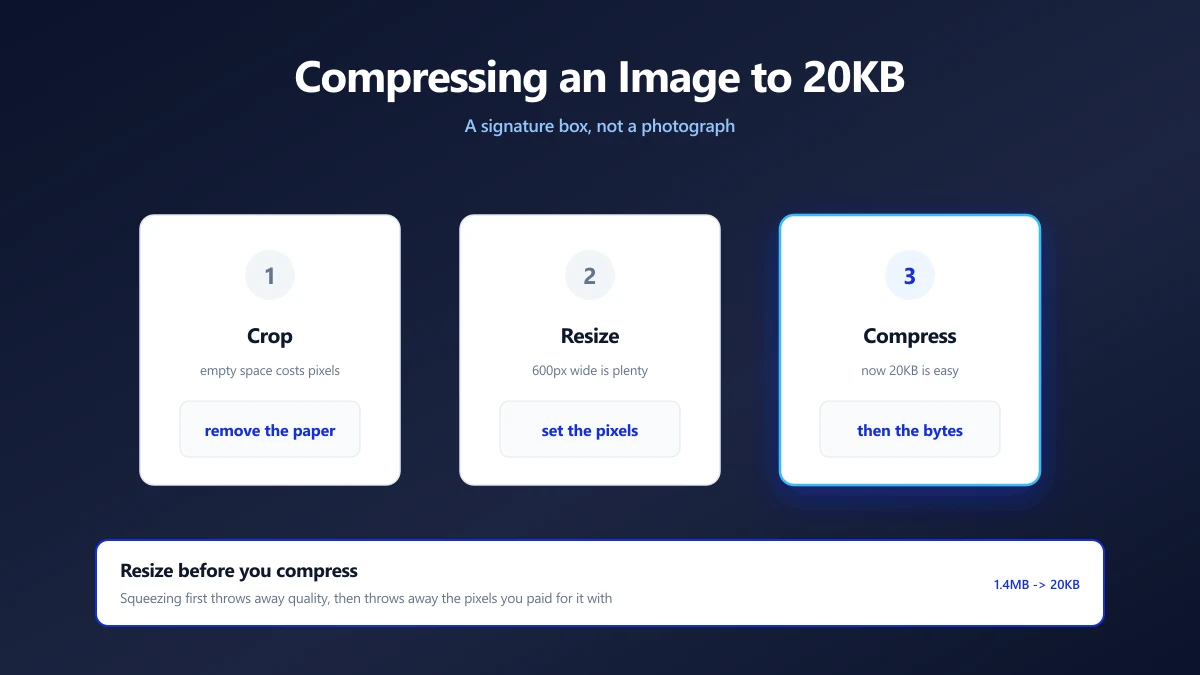
How to Compress an Image to 20KB (Signatures and Thumbnails)
20KB is a signature box, not a photograph. What actually fits, the dimensions that get you there, and why scanning at 600 DPI is working against you.
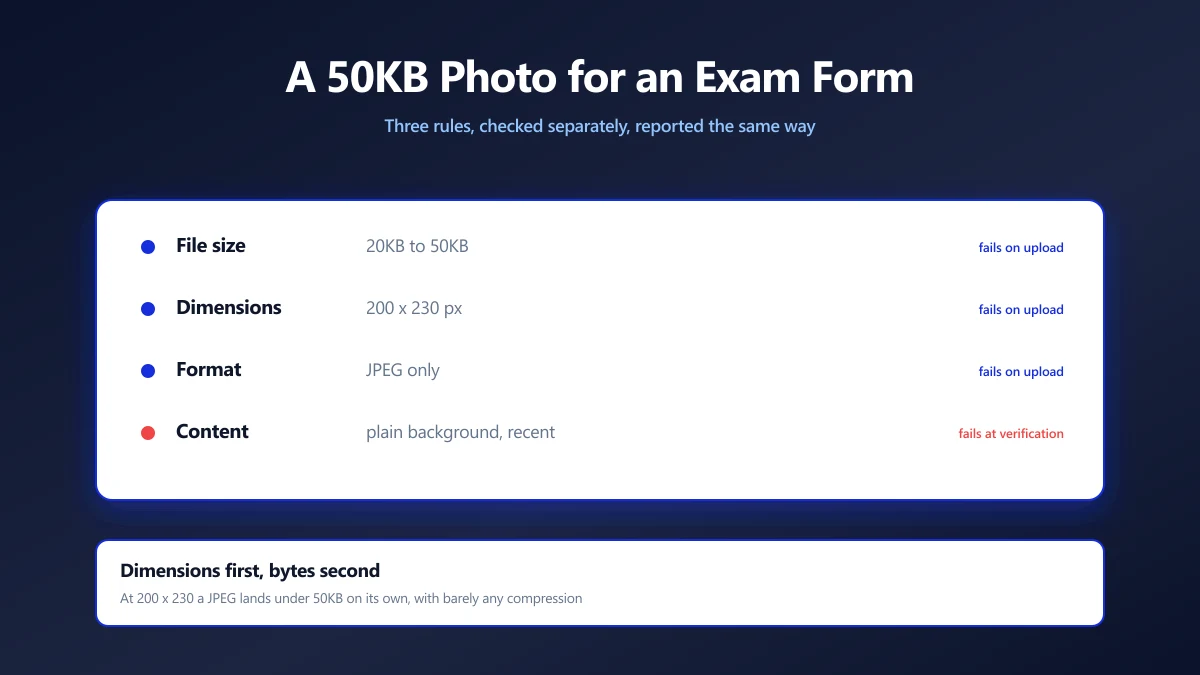
How to Compress a Photo to 50KB for an Exam Form
Exam portals want a photo under 50KB at a fixed pixel size, and reject it for reasons they never explain. Here is how to satisfy both rules at once.
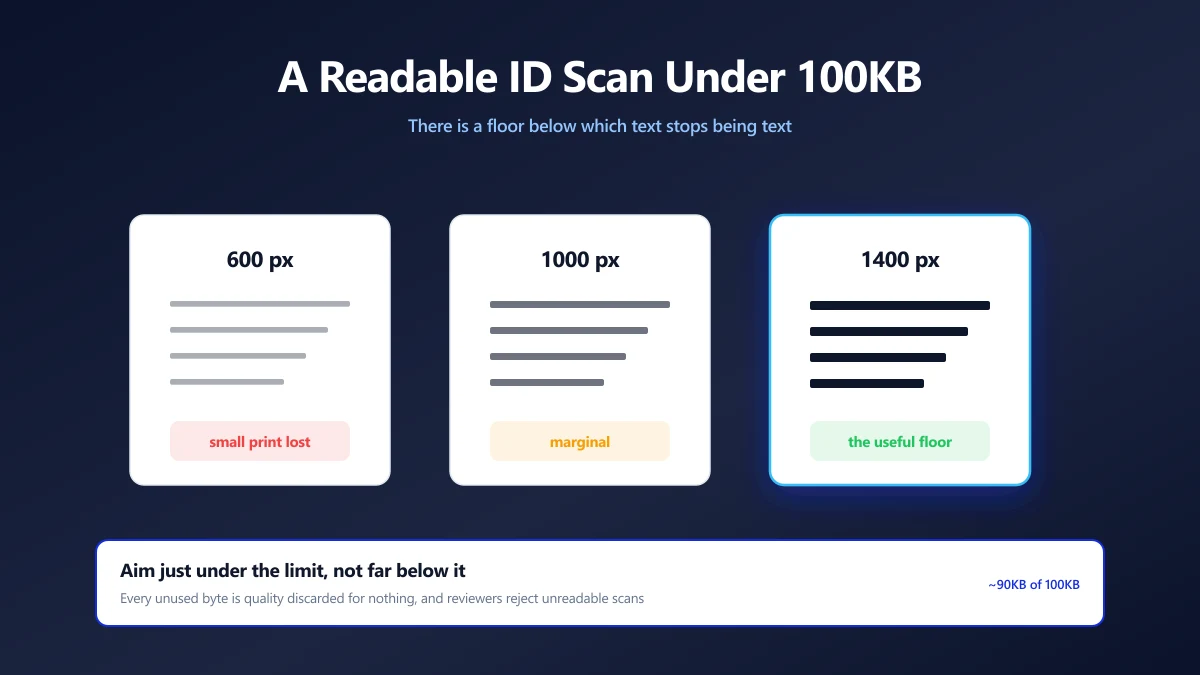
How to Compress an ID Document Scan to 100KB and Keep It Readable
KYC portals want your ID under 100KB, then reject it as unreadable. The resolution floor that keeps text legible, and how to compress down to it.