
Compress an Image to Under 1 MB
or drop files here
1 MB is a generous limit that most modern phone photos exceed purely because of their resolution. Reducing to 1 MB is usually invisible, because the file is large for reasons unrelated to what you can see.
Can every image reach 1 MB?
A 12 megapixel phone photo is often 4 to 6 MB, and almost all of that is resolution you are not viewing. Bringing it under 1 MB typically changes nothing perceptible at screen size. It only becomes a compromise if you intend to print the image large.
Form and portal uploads
A very common per file ceiling, generous enough that meeting it is rarely a struggle.
Email attachments
Several images at 1 MB each stay well inside any mail server limit.
Content management systems
Media library limits, where a smaller original keeps the site quick.
Pixels first, then quality.
File size follows from pixel count. Squeezing a 4000 pixel wide photo down to a small target asks the encoder to describe twelve million pixels in a few kilobytes, and it will, badly. Reduce the dimensions first and the same target becomes easy.
Crop away what is not the subject
Paper around a signature, desk around a document, background around a face. Empty space costs pixels like anything else.
Resize to what is needed
Full resolution is usually fine; resizing is optional at this target.
Then compress to the limit
Quality comes down until the file is under 1 MB, and stops there. Aim just under the limit rather than far below it: unused bytes are quality discarded for nothing.
Need a different size?
Pick the limit you actually have to meet, or set any figure you like on the main compressor.
Questions answered.
Why is my phone photo so much larger than 1 MB?
Will I lose quality bringing a photo under 1 MB?
Is it better to resize or to compress?
How does it hit an exact size?
Should I resize before compressing?
Is my image uploaded anywhere?
What if the target cannot be reached?
More tools you might need.
Related Guides & Tutorials
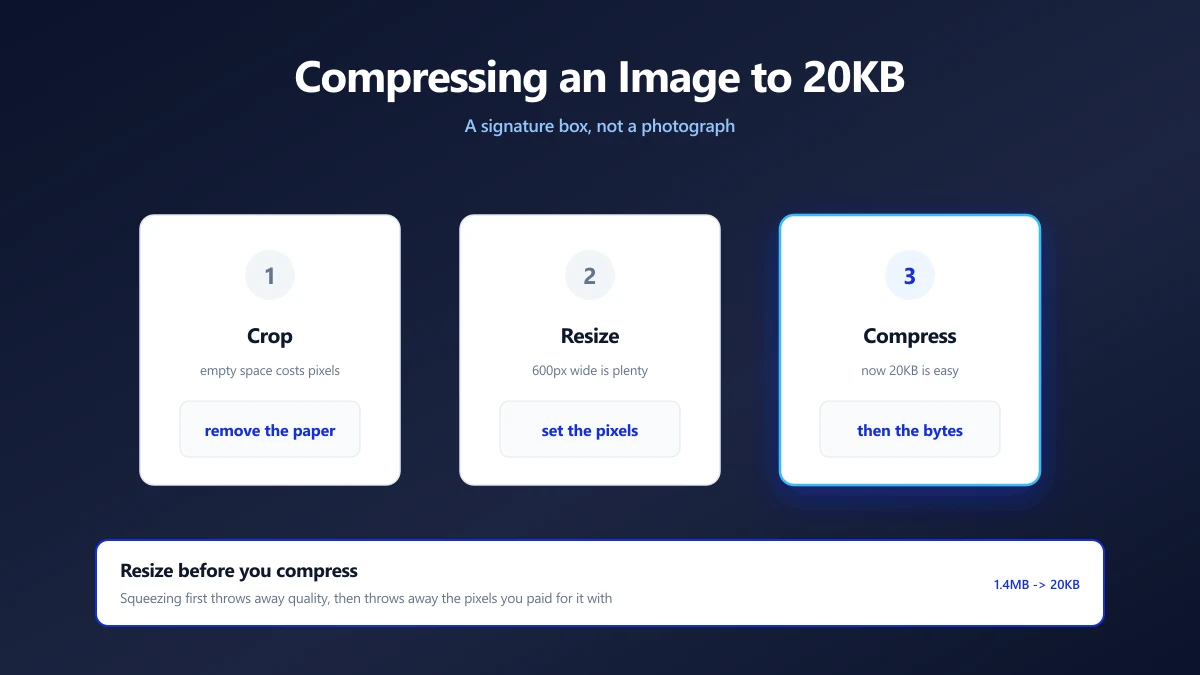
How to Compress an Image to 20KB (Signatures and Thumbnails)
20KB is a signature box, not a photograph. What actually fits, the dimensions that get you there, and why scanning at 600 DPI is working against you.
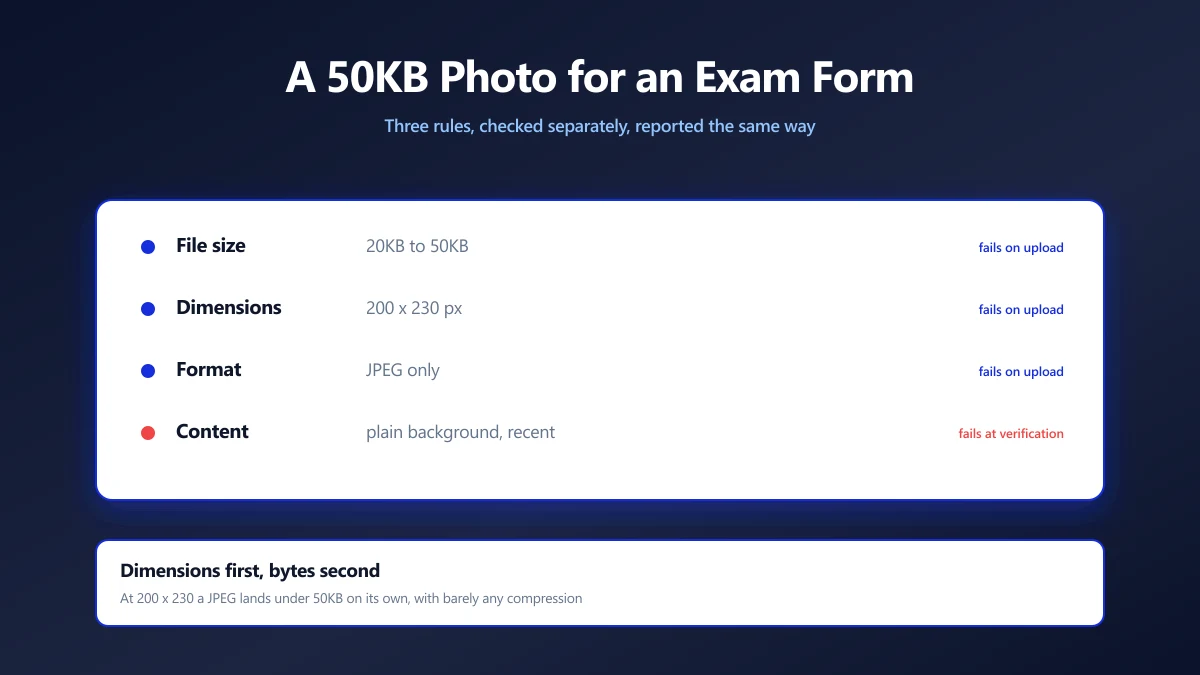
How to Compress a Photo to 50KB for an Exam Form
Exam portals want a photo under 50KB at a fixed pixel size, and reject it for reasons they never explain. Here is how to satisfy both rules at once.
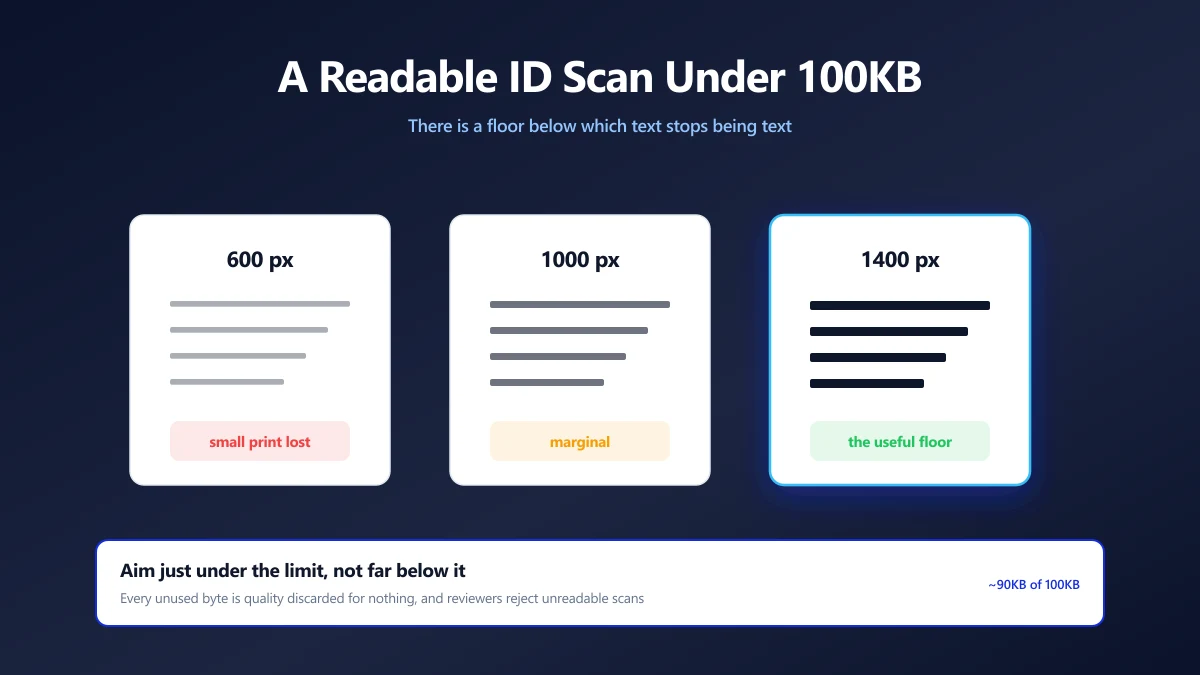
How to Compress an ID Document Scan to 100KB and Keep It Readable
KYC portals want your ID under 100KB, then reject it as unreadable. The resolution floor that keeps text legible, and how to compress down to it.